Home 3D Filaments PLA Filament PLA+SILKSilver PLA+Silk
Product Specifications
Discover the detailed characteristics of our premium filament.
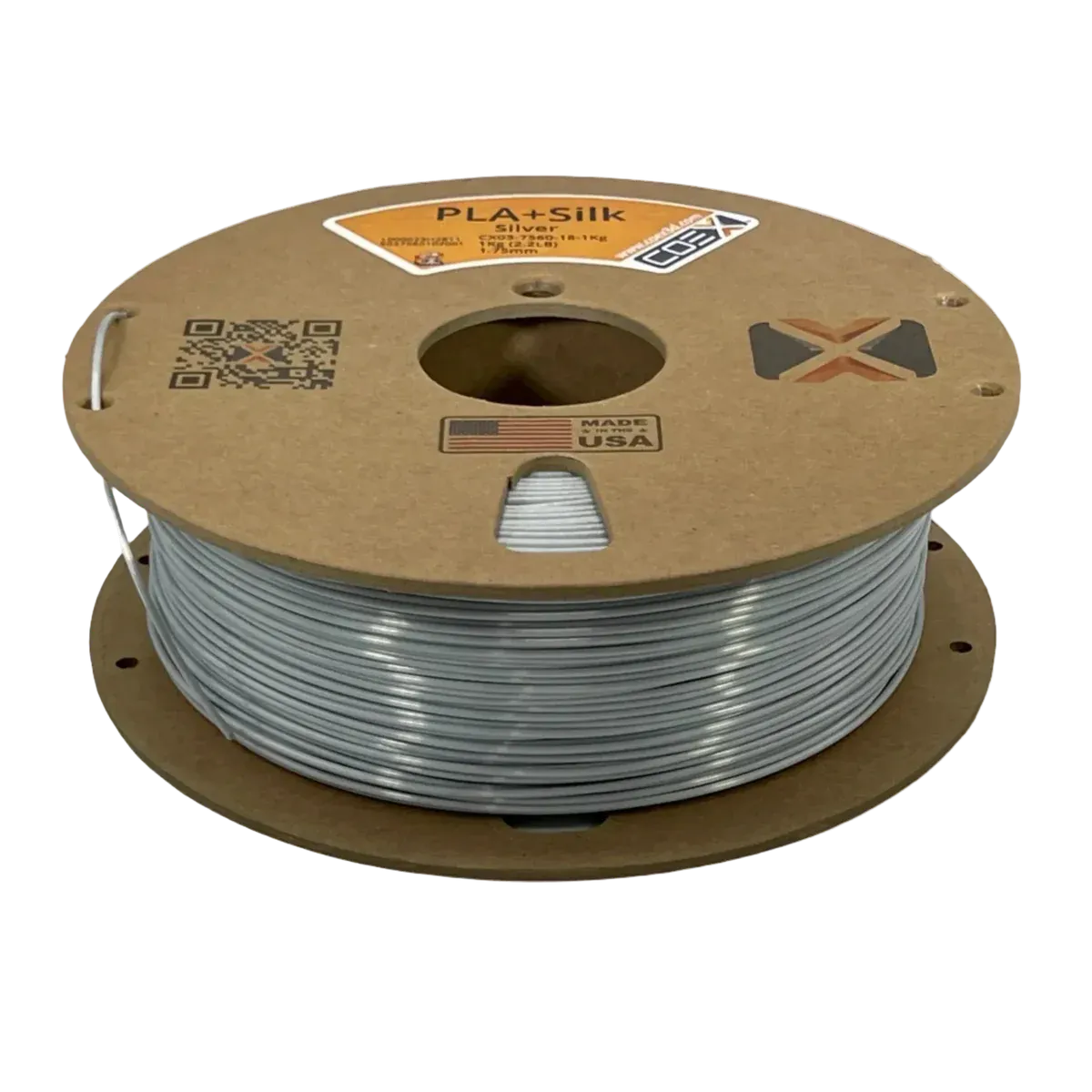
High-Quality Silver PLA+Silk 3D Printing Filament
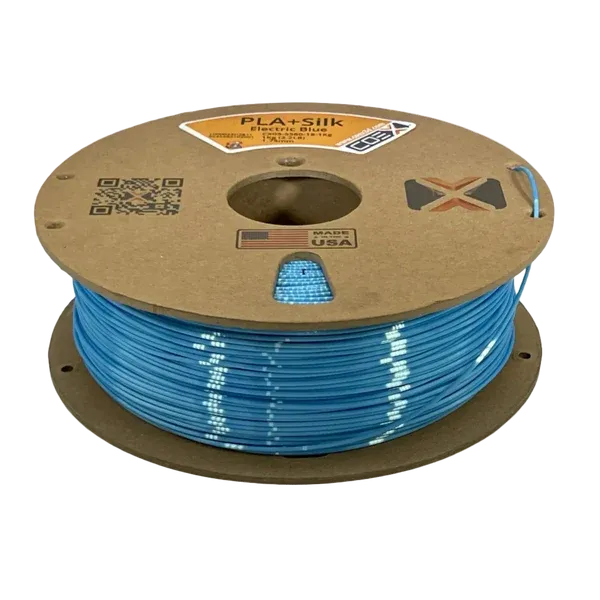
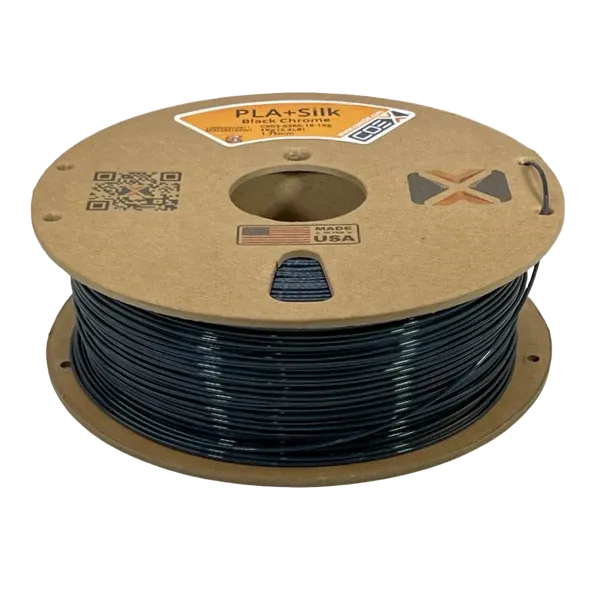
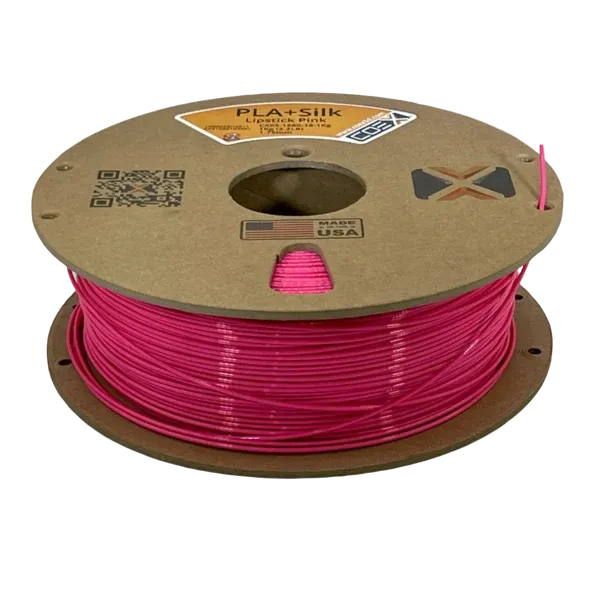
PLA+Silk gives a glossy shine to anything you print with it. It looks great, is extremely easy to print with, and has generally good mechanical properties. It's perfect for showpieces and decorative models.Coex 3D PLA+Silk is made with Virgin NatureWorks USA Ingeo resin, a high-quality colorant, and our secretive additive. All of Coex's filament is made in our production facility located in Wisconsin, USA. Coex 3D uses industrial-grade extruders and laser measuring quality control to ensure quality, consistency, and a 1.75±0.03mm diameter specification with every spool. We provide filament that gives excellent-looking and strong prints.
Coex 3D recommends the following print settings when printing with our PLA. Settings will vary depending on your specific printing setup.
Hotend Temperature: 215 °C - 235 °C
Important! This temperature range may seem hotter than you're used to for other PLA+Silk filaments. Using 100% virgin resin causes our PLA+Silk to require slightly higher printing temperatures.
Heated Bed Temperature: 40 °C - 60 °C
Note: A heated bed is not a strict requirement when printing PLA+Silk, but using one is recommended.
Recommended Build Surfaces/Adhesives
Glass Build Surface
PEI Build Surface
Magigoo
Painter's Tape
Glue Stick
Cooling Fan: Recommended. Up to 100% fan speed is advisable when printing PLA+Silk.
Drying: PLA+Silk filament is hygroscopic and will absorb moisture from the air if not stored in a dry environment. If this happens, you may experience under-extrusion/inconsistent extrusion or excess stringing. You may also hear a "popping" sound coming from the hotend during printing. We recommend drying our PLA at 55 °C for at least 3 hours if it has been exposed to excess humidity.
Technical Printing Guide - COEX PLA
1. Material Notes
Keep filament dry - store properly and dry before use
PLA is less hygroscopic than other materials, but proper storage helps maintain quality
If needed, dry at 55°C for 3 hours or more
Check for any visible damage before use
2. Temperature Settings
Bed Temperature: 60°C
Wash the bed often for good adhesion - Use dish soap and rinse thoroughly to remove oils
Use bed adhesion products if necessary (gluestick, WELD3D)
Use brim for tall or large prints
Keep ambient temperature stable
Extruder Temperature: 215-235°C
3. Basic Parameters
PLA (Polylactic Acid) is a biodegradable polymer known for its ease of printing, good surface quality, and dimensional accuracy. Perfect for decorative parts, prototypes, and general printing needs where mechanical properties are not critical.
Nozzle
Layer Height
Line Width
Volumetric Speed
Temperature
0.4mm
0.2mm
0.42mm
12.0 mm³/s
220°C
0.6mm
0.3mm
0.62mm
27.0 mm³/s
225°C
0.8mm
0.4mm
0.82mm
48.0 mm³/s
230°C
1.0mm
0.5mm
1.02mm
75.0 mm³/s
235°C
4. Speed Settings
0.4mm Nozzle (Volumetric Speed: 12.0 mm³/s)
Line Type
Percentage
Speed
External Perimeter
50%
71.43 mm/s
Internal Perimeters
75%
107.14 mm/s
Infill
100%
142.86 mm/s
Top/Bottom
60%
85.71 mm/s
First Layer
30%
42.86 mm/s
0.6mm Nozzle (Volumetric Speed: 27.0 mm³/s)
Line Type
Percentage
Speed
External Perimeter
50%
72.58 mm/s
Internal Perimeters
75%
108.87 mm/s
Infill
100%
145.16 mm/s
Top/Bottom
60%
87.10 mm/s
First Layer
30%
43.55 mm/s
0.8mm Nozzle (Volumetric Speed: 48.0 mm³/s)
Line Type
Percentage
Speed
External Perimeter
50%
73.17 mm/s
Internal Perimeters
75%
109.76 mm/s
Infill
100%
146.34 mm/s
Top/Bottom
60%
87.80 mm/s
First Layer
30%
43.90 mm/s
1.0mm Nozzle (Volumetric Speed: 75.0 mm³/s)
Line Type
Percentage
Speed
External Perimeter
50%
73.53 mm/s
Internal Perimeters
75%
110.29 mm/s
Infill
100%
147.06 mm/s
Top/Bottom
60%
88.24 mm/s
First Layer
30%
44.12 mm/s
5. Retraction Settings
Nozzle
Distance
Speed
Z-Hop
0.4mm
0.5-0.8mm
45mm/s
0.2mm
0.6mm
0.6-1.0mm
45mm/s
0.2mm
0.8mm
0.8-1.2mm
40mm/s
0.2mm
1.0mm
1.0-1.5mm
35mm/s
0.2mm
6. Cooling Settings
Cooling Configuration:
First Layer: 0% (fan off)
General Printing: 100% base fan speed
Bridges and Overhangs: 100% fan speed
Layers < 15 seconds: 100% fan speed
Critical Considerations:
PLA requires maximum cooling for best results
Full fan speed helps with bridging and overhangs
The first layer needs no cooling for good adhesion
Small parts need maximum cooling
7. Troubleshooting Guide
Problem
Solution
Poor Layer Adhesion
1. Increase temperature by 5-10°C
2. Reduce cooling fan speed for first few layers
3. Clean build surface with IPA
Warping
1. Increase bed temperature to 60°C
2. Add brim (5-10mm)
3. Ensure no drafts in printing area
Stringing
1. Lower temperature by 5°C
2. Increase retraction speed to 45mm/s
3. Adjust retraction distance
Under-extrusion
1. Increase temperature by 5-10°C
2. Clean nozzle or try cold pull
3. Check filament quality
Poor Overhangs
1. Ensure 100% cooling
2. Reduce temperature by 5°C
3. Reduce print speed by 50%
PLEASE NOTE: These printing parameters are initial recommendations based on our experience. They may need adjustment depending on your specific 3D printer, environmental conditions, and the geometry of the part you are printing. Use these settings as a starting point and fine-tune them according to your specific needs.
.docs-container {
margin: 2em 0;
}
.docs-section-wrapper {
margin-bottom: 1.5em;
padding-bottom: 1.5em;
border-bottom: 1px solid #e0e0e0; /* Simple line separator */
}
/* Remove the last separator line for a clean finish */
.docs-container .docs-section-wrapper:last-child {
border-bottom: none;
margin-bottom: 0;
padding-bottom: 0;
}
.docs-accordion summary {
cursor: pointer;
padding: 0.5em 0;
list-style: none;
display: flex;
justify-content: center;
align-items: center;
}
.docs-accordion summary::-webkit-details-marker {
display: none;
}
.docs-title {
text-align: center;
}
.docs-title h3 {
margin: 0;
font-weight: bold;
display: inline;
}
.docs-accordion summary::after {
content: '▼';
font-size: 0.8em;
margin-left: 0.5em;
transition: transform 0.2s;
flex-shrink: 0;
}
.docs-accordion[open] > summary::after {
content: '▲';
}
.docs-content {
padding: 1em 0 0 0;
}
.docs-content-paper {
max-width: 850px;
margin: 1em auto;
padding: 2em;
border: 1px solid #ddd;
box-shadow: 0 0 10px rgba(0,0,0,0.05);
background: white;
}
/* --- NEW: Blue Link Styling --- */
.docs-container a {
color: #005BD3; /* Standard Shopify link blue */
text-decoration: none;
font-weight: bold;
}
.docs-container a:hover {
text-decoration: underline;
}
.docs-main-link, .docs-download-link {
display: block;
text-align: center;
}
.docs-main-link {
margin-bottom: 1.5em;
}
.docs-download-link {
padding-top: 0.75em;
}
/* --- Mobile Responsive Fixes --- */
@media (max-width: 768px) {
.docs-content-paper {
padding: 1em;
overflow-x: auto;
}
.docs-title h3 {
font-size: 1.1em;
}
}
Coex 3D Filament Slicer Profiles
Customer Reviews
3
Write a review
Let your customers understand your process.
0
5.00 out of 5
Click on the number to adapt it to your purpose.
0
Based on 3 reviews
Duplicate blocks to add more steps.
0
0
Our Options
Choose the plan that fits your needs.
Standard
Ideal for small teams and individuals. Get started with essential tools for your projects.
Get Started- Basic CRM features
- Standard module access
- Limited customization
- Email support
Premium
Advanced tools for growing businesses. Enhance productivity and collaboration for your whole team.
Explore Features- Advanced module access
- Unlimited CRM support
- Full module access
- Extensive customization
- 24/7 Support
Discover Our Exquisite Collection


Free shipping
Free delivery on all orders above $75.
Top-notch support
We are available to call and receive help.
Secure payments
All payments are secure and protected from fraud.